USB Hubs Price in Bangladesh
Explore USB and Type-C hubs from UGREEN, Baseus, WiWU, Anker and more, with options for extra ports, displays, charging and desk setups.
Filters
Brand
Price Range
Rating


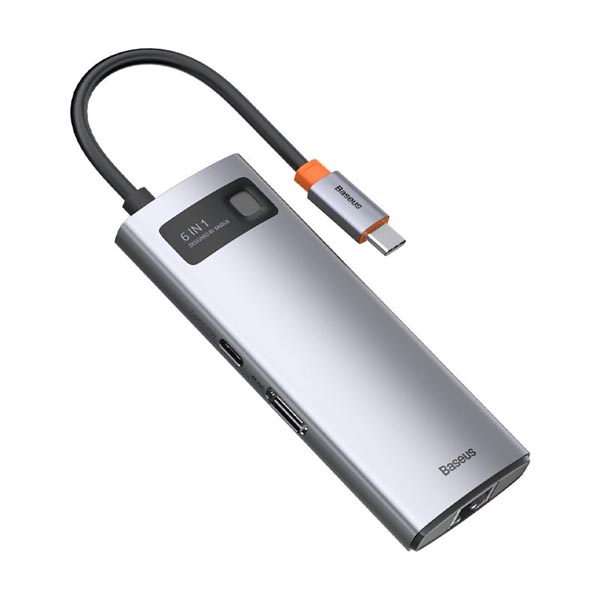
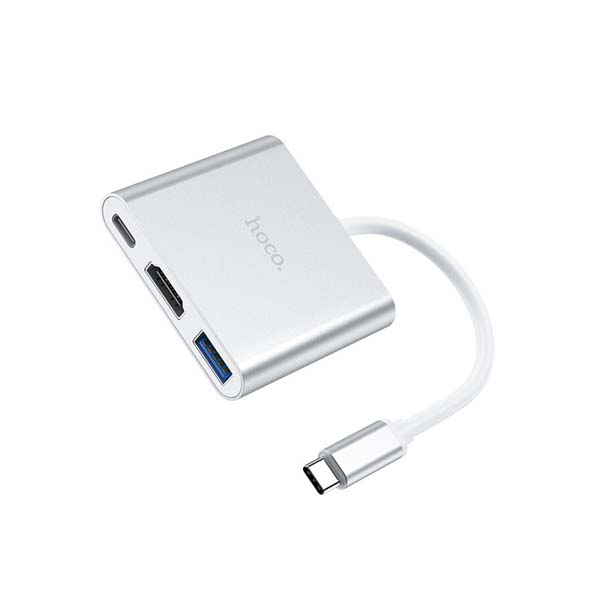
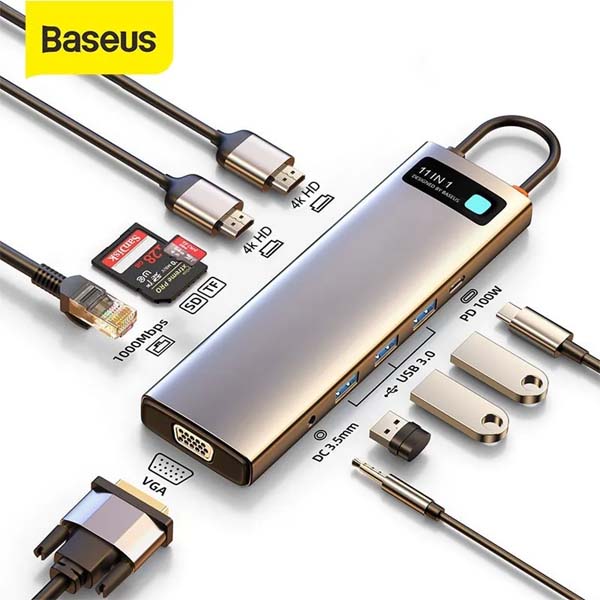
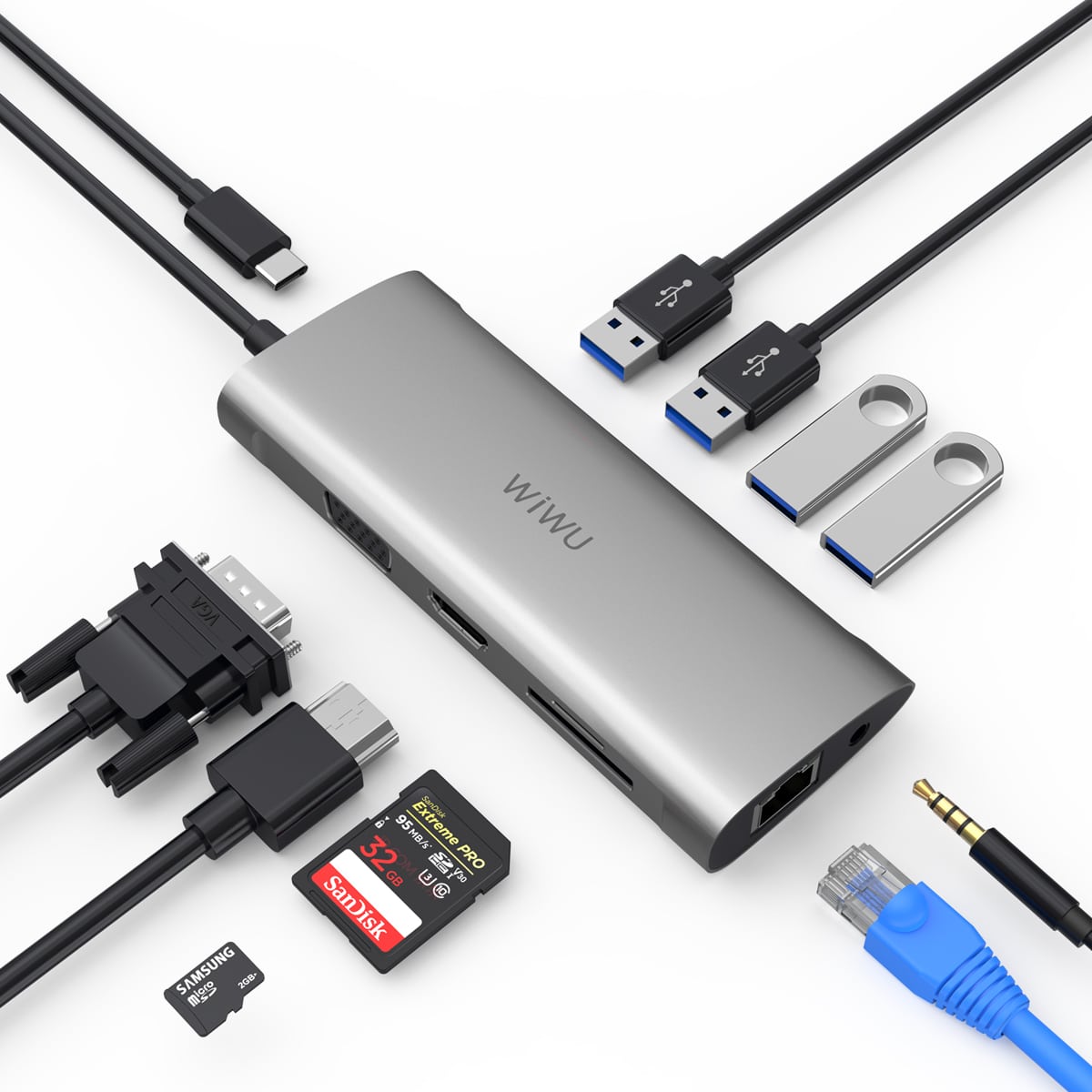


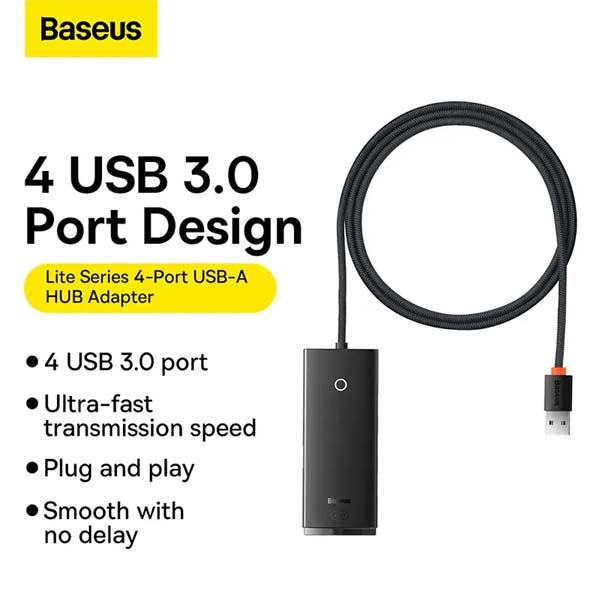


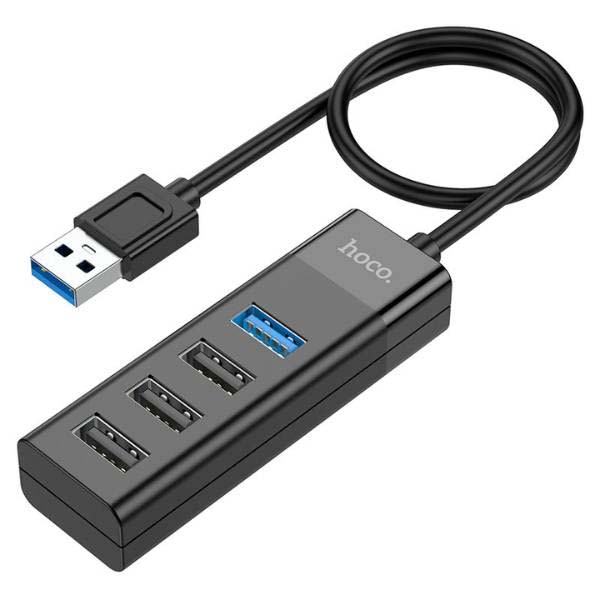
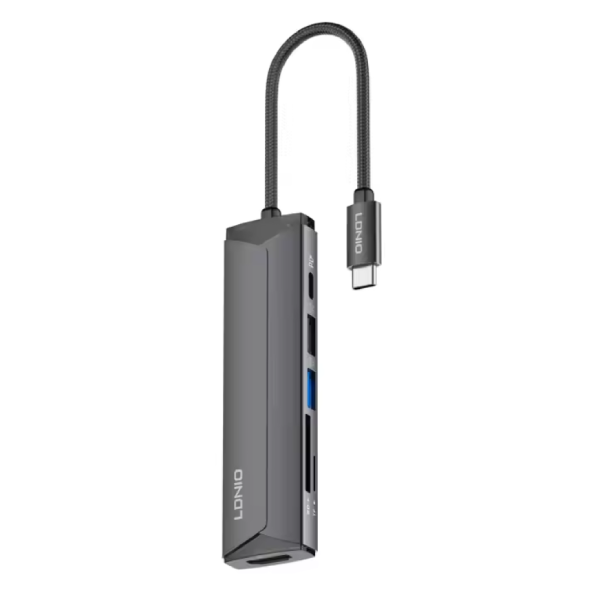
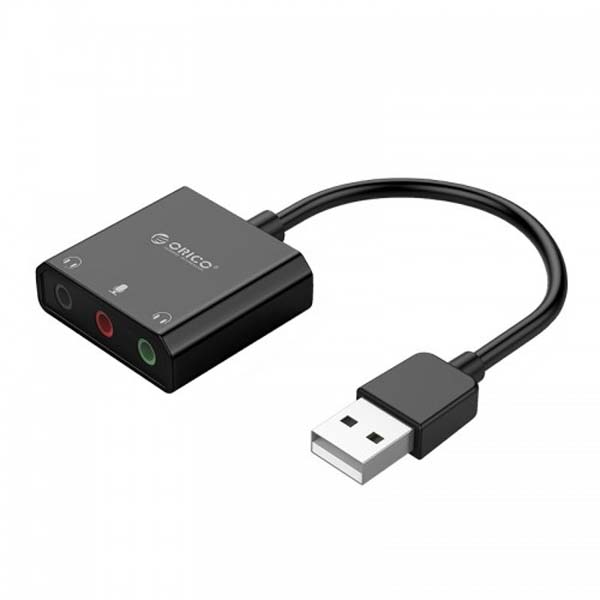


BASEUS Metal Gleam Series 4-in-1 Multifunctional Type-C HUB Docking Station

Popular USB Hubs in Bangladesh
Compare popular USB Hubs picks and open each product page for current stock, variant, warranty, and delivery details.
| Product | Price | Availability |
|---|---|---|
| Baseus Metal Gleam Series 8-in-1 Multifunctional Type-C HUB | ৳3,150.00 | In stock |
| Baseus Metal Gleam Series 9-in-1 | ৳3,950.00 | In stock |
| Baseus Metal Gleam Series 6-in-1 Multifunctional Type-C HUB Docking Station Gray CAHUB-CW0G | ৳2,850.00 | In stock |
| Baseus 17 in 1 USB C HUB Docking Station | ৳12,900.00 | In stock |
| Hoco HB14 3 in 1 Type C Hub Adapter | ৳1,090.00 | In stock |
| Baseus Metal Gleam Series 11-in-1 Multifunctional Type-C HUB Docking Station | ৳5,450.00 | In stock |
| WiWU Alpha 11 in 1 Type C Multi Adapter Hub | ৳4,650.00 | In stock |
| BASEUS Metal Gleam Series 5-in-1 Multifunctional Type-C HUB Docking Station | ৳2,650.00 | In stock |
Turn One Port into a More Useful Workspace
A USB hub adds the connections your laptop, desktop or compatible mobile device may be missing. This USB Hubs price in Bangladesh collection covers compact port expanders, Type-C multiport adapters and larger docking stations for study desks, office work, travel and creative setups.
You can browse models from UGREEN, Baseus, WIWU, Anker, Orico, Hoco and other available brands. The range includes straightforward USB port expansion as well as selected hubs with connections named in their listings, such as HDMI, USB Type-C, data ports and power delivery.
From Four-Port Hubs to Multi-Display Docks
The right design depends on what you need to connect. A compact 4-in-1 hub can be practical for adding a keyboard, mouse, storage drive or another everyday accessory. Multiport USB-C hubs may suit laptop users who want several connections through one cable.
For a more permanent desk, consider a docking station with the exact display, network, card-reader or charging connections required by your setup. The listed selection includes slim hubs, 5-in-1 and 6-in-1 adapters, higher-port docking stations and Mac mini M4 dock-and-stand models.
Common choices for different users
- Students and office users: Compact hubs for connecting everyday USB accessories to a laptop.
- Presentation setups: Models with HDMI where an external monitor, projector or TV connection is required.
- Creators: Multiport options that list card slots, display outputs or faster data connections.
- Fixed workstations: Docking stations built to keep several desk accessories connected.
- Mac mini M4 users: Dedicated dock-and-stand designs listed for Mac mini M4 or M4 Pro.
Check the Ports Before You Order
Start by checking whether your device uses USB-A or USB Type-C. Then count every accessory you intend to connect and compare that list with the hub's input and output ports. Port quantity alone is not enough; two similar-looking hubs can support very different functions.
- Confirm that the host port supports the required data, video or charging function.
- For a monitor, check the listed HDMI or DisplayPort output and supported resolution.
- For pass-through charging, verify the stated Power Delivery support and use a suitable charger and cable.
- Check the number and type of USB data ports needed for drives and peripherals.
- Look for Ethernet or memory-card slots only when those connections are part of your workflow.
- Review device and operating-system compatibility in the individual product details.
A Clearer Way to Compare Hubs at ShopZ
ShopZ brings compact USB hubs and feature-rich USB-C docking stations together on one category page, making port layouts and available models easier to compare. Check each product listing carefully before ordering, especially when display output, charging or device-specific support is essential.
Questions Buyers Ask About USB Hubs
What is the price of USB Hubs in Bangladesh?
The latest price is shown on this page and may vary by stock and offer. Compare the listed connections and functions rather than choosing by price alone.
Is a USB hub the same as a docking station?
Both expand connectivity, but a basic hub usually focuses on adding USB ports. A docking station may include a broader connection set, such as display outputs, Ethernet, card slots or charging support, depending on the model.
Can every USB-C hub connect to an external monitor?
No. Choose a model that specifically lists a suitable HDMI or DisplayPort output, and confirm that your device's USB-C port supports video output.
Can I charge my laptop through a Type-C hub?
Only when the hub lists USB-C Power Delivery or pass-through charging and the connected laptop, charger and cable support the required charging standard.